FOR FREE
Try DeskBub with Kaka
Kaka is the real dog behind DeskBub. Start with his five animated actions before creating a custom pet.
Your path
- 1Download DeskBub for Windows or Mac
- 2Open the app—no account or payment
- 3Kaka appears with five actions
Download Kaka free for Windows or Mac. Want something personal? Turn one photo of your real pet into a custom desktop companion.
Kaka is free. Custom pets start at $2.99 with a one-time purchase—no subscription.
Tasks
12
Focus
48m
Done
7
Water break? 💧
Kaka can remind you.
The pet floats above your apps—not inside a video.
Kaka included with DeskBubTwo clear paths
Kaka is free with no account or payment. Custom pets use your own photo and start at $2.99.
FOR FREE
Kaka is the real dog behind DeskBub. Start with his five animated actions before creating a custom pet.
Your path
FROM $2.99
Choose this path when you want the companion on your desktop to be your own pet.
Your path
Your custom pet journey
You'll always know where you are and what comes next.
Start with a clear photo of your dog, cat, rabbit, bird, or another pet.
Create one action with Basic or generate more choices and keep five with Plus.
DeskBub creates transparent movements designed to float above your apps.
Download the app, enter your pairing code, and choose how your pet behaves.
Prefer to understand every option first? Read how to make a desktop pet three different ways.
Why DeskBub
A desktop pet should feel personal, stay out of your way, and be useful only when you want it.
Start with one photo of the dog, cat, rabbit, bird, or other pet that matters to you.
Your companion floats above your apps instead of becoming a wallpaper or staying inside a video.
Drag, resize, fade, or hide your pet instantly whenever you need a completely clear screen.
Optional water and stretch reminders turn your companion into a gentle break buddy.
Use the same simple DeskBub experience on Windows 10/11 or macOS 12 and later.
Prepare your pet animation and caption for TikTok, X, or Instagram from the desktop app.
Kaka is the real dog behind DeskBub. We turned him into a desktop companion—and included him for free, so you can try DeskBub before creating your own pet.
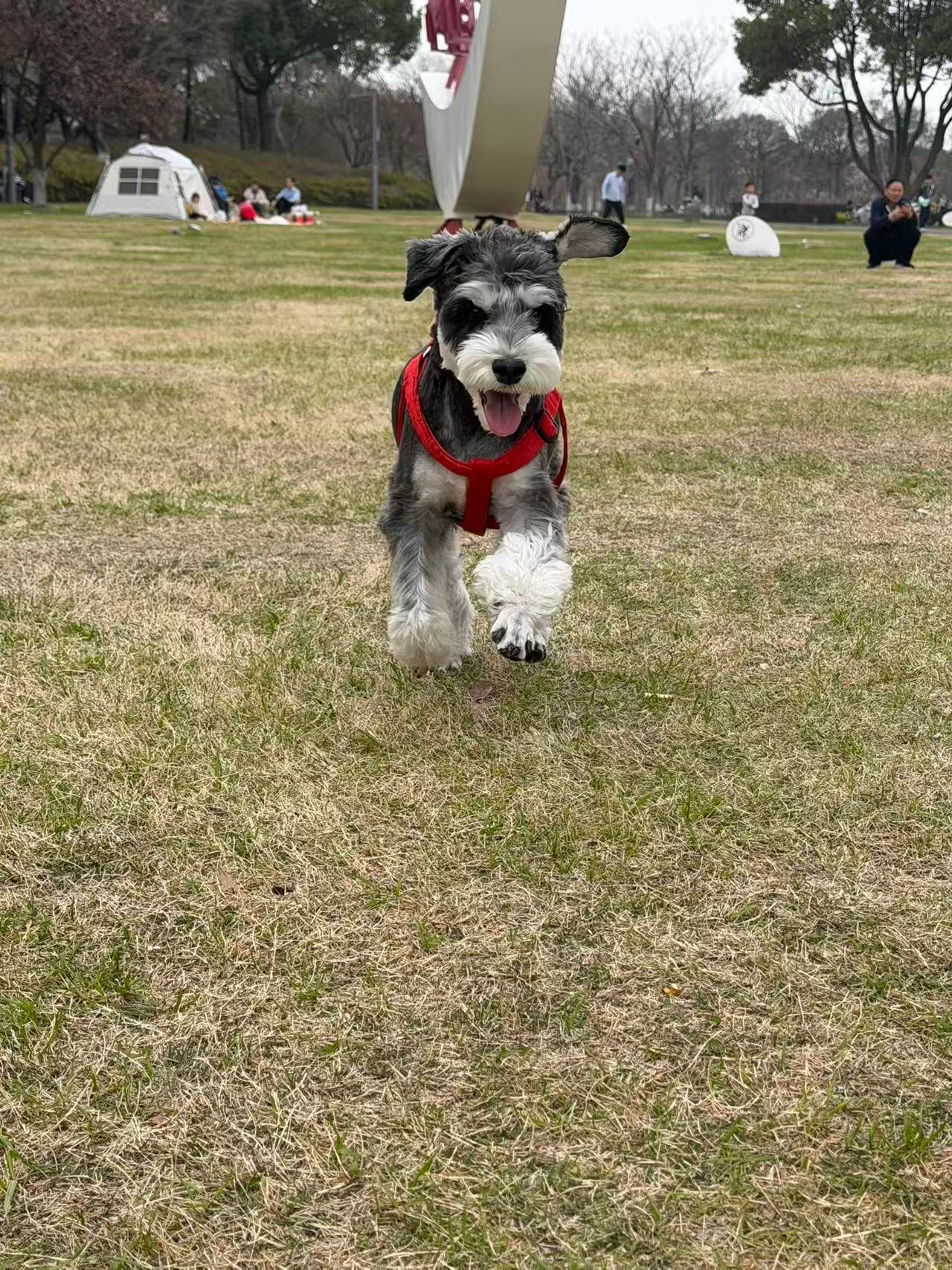
No. Kaka includes five animated actions and can be used for as long as you like. No account or payment is required.
Yes. Upload a clear photo of your cat, rabbit, bird, dog, or another pet. Custom pets are a one-time purchase starting at $2.99.
DeskBub is available for Windows 10/11 and macOS 12 or later.
Yes. You can set water and stretch reminders, pause them anytime, or test them from the DeskBub controls.
You can drag your pet, adjust its size and opacity, or hide it instantly from the app controls.