7 Digital Ways to Celebrate Your Dog on August 26
Your camera roll already holds the raw material. The goal is to turn a few real moments into something you will still enjoy after the date has passed.
Why August 26?
It is a day many people already use to celebrate dogs.
National Dog Day is observed on August 26. Its official site describes the day as both a celebration of dogs of every kind and a way to draw attention to dogs that need to be rescued or adopted. You can read the event's own description on the official National Dog Day website.
The ideas below are DeskBub's original suggestions. They do not copy the event's official celebration list, and none requires you to turn a personal day with your dog into a public post.
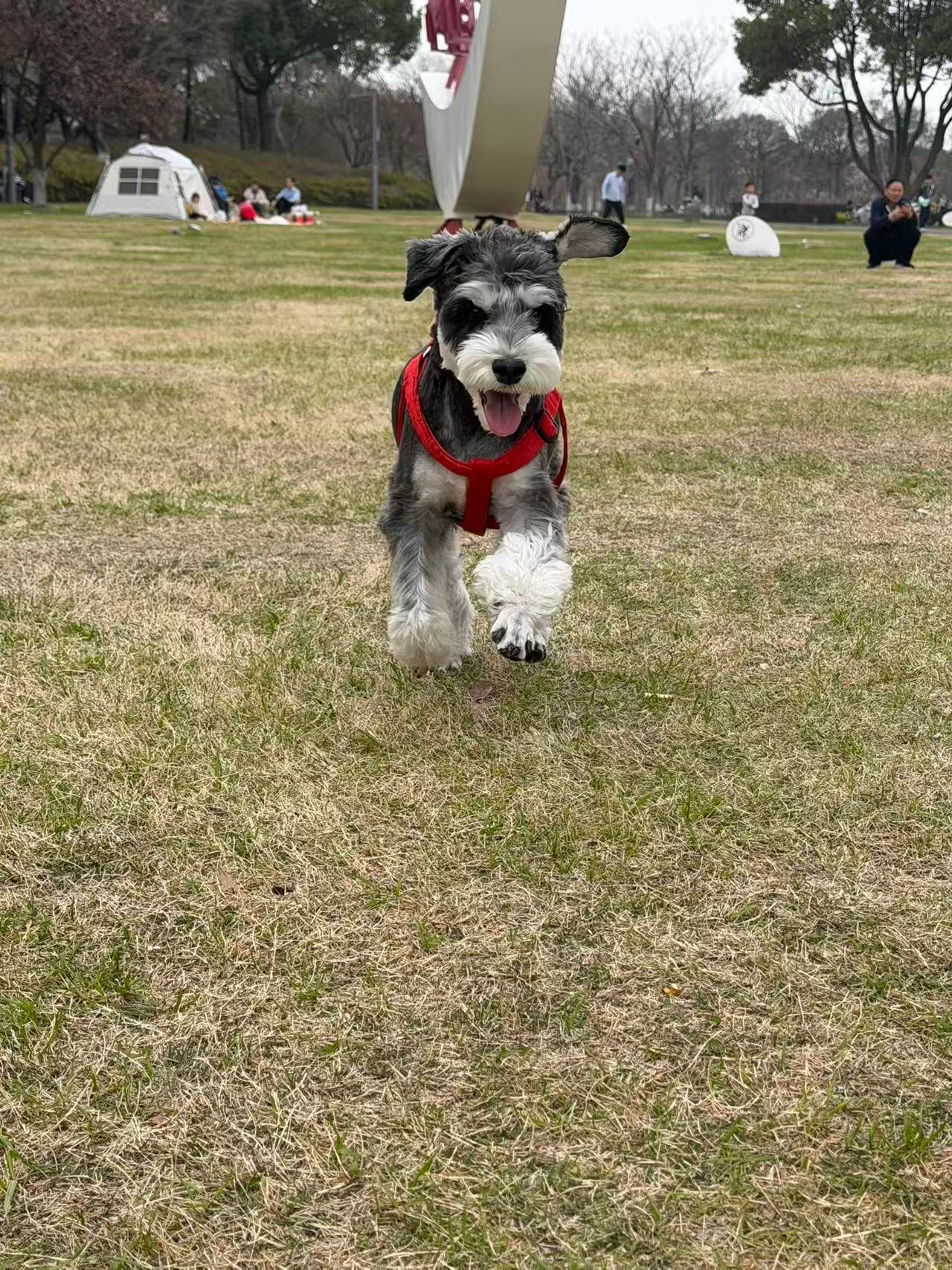 KAKA IN REAL LIFE
Build a tiny “best of” photo archive
Choose 12 photos that show your dog’s personality rather than simply picking the sharpest images. Add a one-line note to each: the place, the habit, or the expression you never want to forget.
A useful selection rule
Pick three portraits, three ordinary moments, three places, and three photos that make you laugh. Twelve is small enough to finish and large enough to feel like a story.
Make a then-and-now photo pair
Put an early photo beside one from this year. Keep the layout simple and write down one thing that changed—and one thing that never did.
Create a map of your favorite walks
Mark a few meaningful routes or places, then attach one photo and one sentence to each. It becomes a memory map instead of another folder of unnamed pictures.
Turn one real photo into a desktop companion
A transparent animated version of your dog can sit above your everyday apps on Windows or Mac. It is a small way to keep a familiar face nearby when you are away from home.
If you want to try the desktop idea
DeskBub turns one clear photo of your actual dog into transparent movements for its Windows or Mac desktop app. If you want to understand the build process first, read our honest guide to making a desktop pet three different ways.
Make a digital card for someone who loves your dog
Use a favorite photo, your dog’s name, and a line they would “say.” Send it to the sitter, foster, family member, or friend who has become part of your dog’s story.
Use your screen to support a dog that needs a home
With the organization’s permission, share an adoptable dog’s official listing rather than downloading and reposting its photo without context. Keep the original link and contact details attached.
A useful share sends people to the rescue's current page, where adoption status and contact information can be kept up to date. Ask before reusing a photograph, even when the cause is good.
Start a yearly digital time capsule
Save one portrait, one short video, one favorite sound, one new habit, and one ordinary day from this year. Add to the same folder every August so the collection grows with your dog.
Keep it personal
The best project is the one you will revisit.
You do not need seven finished projects or a public campaign. Choose one idea, use your own photographs, and finish something small. A private folder you open again can matter more than a polished post that disappears tomorrow.
Meet the desktop companion first
Kaka is included for free.
No account or payment required. Download DeskBub for Windows or Mac and see what a real desktop companion feels like before using your own photo.